IMid
IMid is a central repository with users information. This system provides SSO function for other services based on OAuth 2.0 protocol.
Colors
IMid uses two main colors: imid-blue and imid-premium. The second one of tlis colors is used for Premium users.
| Color name | |
|---|---|
| imid-blue |
HEX: 2780e3 RGB: 39, 128, 227 RGB (percent): 15.3, 50.2, 89 CMYK: 83, 44, 0, 11 |
| imd-premium |
HEX: ede9d9 RGB: 237, 233, 217 RGB (percent): 92.9, 91.4, 85.1 CMYK: 0, 2, 8, 7 |
Button
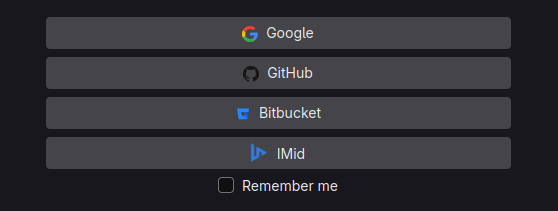
SSO means that the system can use "Sign in with IMid" button.
For IMid system the button is defined in all apps using IcyMat Design System.
The button always use main color imid-blue.
Icon type
"Sign in" translations
The text of "Sign in with IMid" must be translated into the same language which is used in whole application.
The table below shows all official translations for buttons.
Translations are provided by IcyMat Translations Center and is encoded by common.security.sign_in_with_imid key.
| Language code | Preview | Preview (outlined) |
|---|---|---|
| ar | ||
| de-de | ||
| el | ||
| en | ||
| et-ee | ||
| he | ||
| jp-jp | ||
| kk-kz | ||
| pl | ||
| ru-kz | ||
| uk-ua | ||
| xc-pl |
For RTL languages the padding of the button must be switched.
Other design systems
If an application doesn't use IcyMat Design the button should be adjusted to other buttons design.